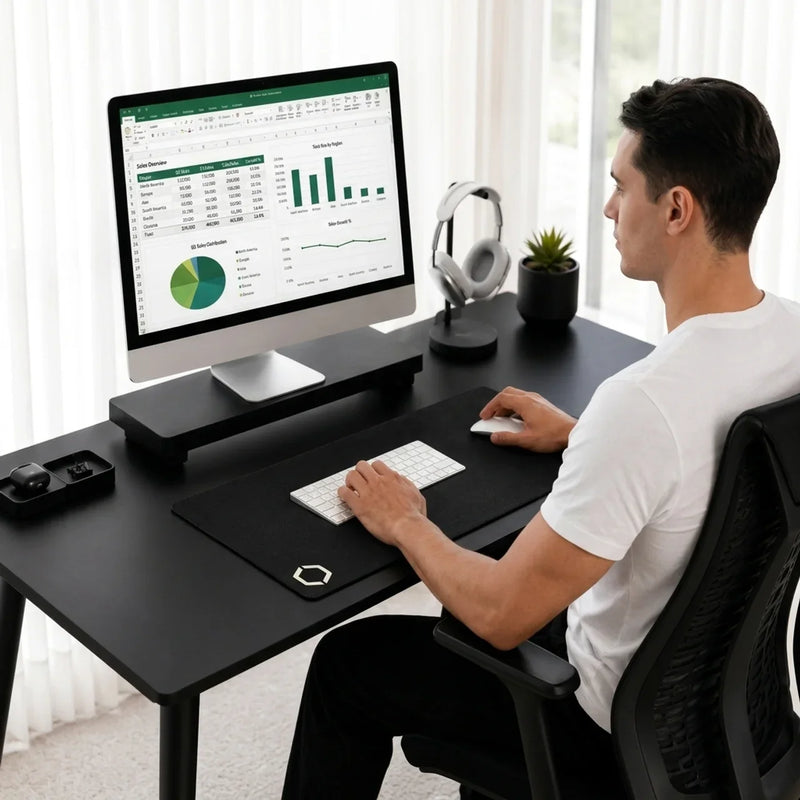
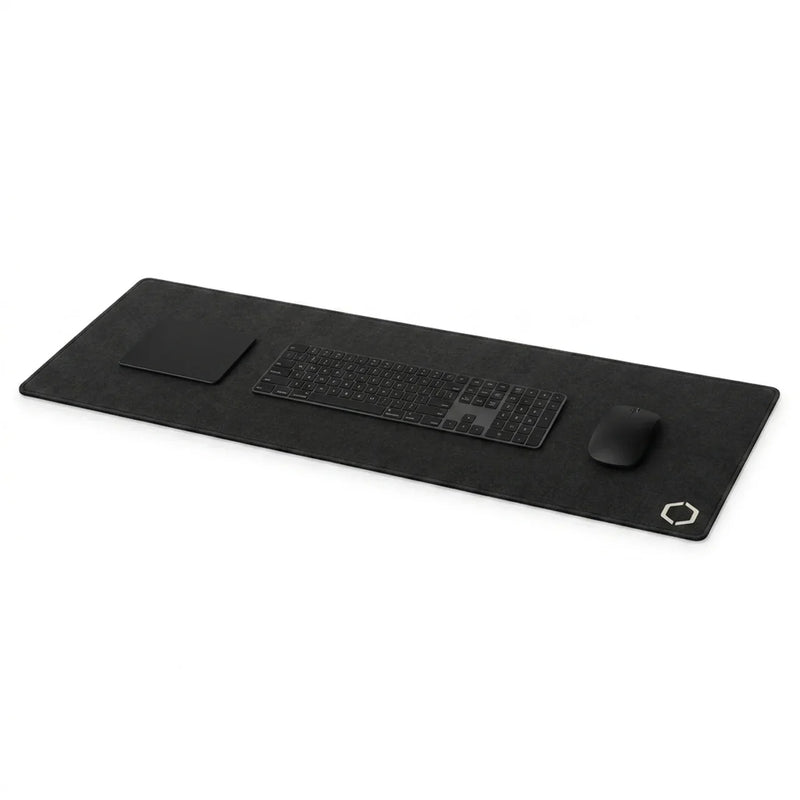
A mouse pad is a small surface for your mouse alone; a desk mat is a large surface that sits under your keyboard and your mouse together. Choose a mouse pad if your desk is small or you work on the move. Choose a desk mat if you want both hands on one level, comfortable surface and more of your desk protected.
Both do the same core job under the mouse: give it a consistent surface to track on. The difference is everything around that job. Below: a side-by-side comparison, when each one is the better choice, and a simple way to decide with a tape measure.
Desk mat vs mouse pad at a glance
| Mouse pad | Desk mat | |
|---|---|---|
| What it covers | The mouse area only | Keyboard and mouse area, often with room for a notebook |
| Where the keyboard sits | Directly on the desk | On the mat, at the same level as the mouse |
| Room for mouse movement | Limited to the pad's edges | Much wider, useful if you move the mouse with your whole arm |
| Wrist and forearm comfort | Under the mouse hand only | Under both hands |
| Desk protection | A small zone | Most of the working area |
| Typing sound | Unchanged (keyboard on a hard desk) | Softer, because the fabric sits between keyboard and desk |
| Portability | Easy to carry and store | Stays on the desk |
| Cleaning | Small, quick to wipe | Larger surface to wipe, dries flat |
| Best for | Small desks, keyboard trays, travel | Everyday work desks and home offices |
What is the difference between a desk mat and a mouse pad?
Size, and what that size changes. A mouse pad (also written mousepad) gives the mouse its own small rectangle beside the keyboard. A desk mat turns the whole working area into one surface: the keyboard rests on it, the mouse moves across it, and your wrists rest on it in between.
That is why some brands sell desk mats as "extended" or "XL" mouse pads. The name changes, the idea does not: a surface wide enough for the keyboard and the mouse. And if you are wondering about a desk pad, that is mostly another name for a desk mat. We explain the small differences in desk mat vs desk pad.
Is a desk mat a mouse pad?
A desk mat does a mouse pad's job and more. The mouse tracks on it the same way, as long as the top surface is smooth and even. What it adds is room: room for the keyboard, room for wide mouse movements, and room for your hands to rest on something softer than a bare desktop. So a desk mat can replace a mouse pad, but a mouse pad cannot replace a desk mat.
When is a mouse pad the better choice?
A desk mat is not always the right answer. A mouse pad makes more sense when:
- Your desk is small or you use a keyboard tray. If there is no room for a wide surface, a compact pad beside the keyboard is the practical option.
- You work in more than one place. A mouse pad rolls or slips into a bag; a desk mat stays home.
- You like your keyboard on a hard surface. Some people prefer the firm feel and the brighter sound of a keyboard sitting directly on the desk.
- You only need better mouse tracking. If your desk is already in good shape and your mouse is the only problem, a mouse pad solves it for less.
When is a desk mat the better choice?
- You want the mouse close to the keyboard, on the same level. Workplace ergonomics guidance from OSHA recommends keeping the mouse close to the keyboard; a mouse placed too far away, or not in the same plane as the keyboard, leads to more reaching and awkward wrist and shoulder postures. A desk mat puts both on one continuous, level surface.
- You move the mouse with your arm, not just your wrist. With a slower pointer speed, you need more room. A desk mat gives the mouse space to travel without hitting an edge.
- You rest your wrists on the desk while typing. A fabric surface is softer and warmer to lean on than wood, glass, or laminate.
- You want to protect the desk. A desk mat takes the scratches from keyboard feet, the rings from mugs, and small spills across the whole working area.
- You want a quieter, tidier desk. Fabric softens the tap of keys on a hard desk, and one rectangle under your tools makes the setup look deliberate.
How to choose: three measurements
You do not need to guess. Take a tape measure to your desk:
- Measure your keyboard's width. This is the minimum width of any surface that sits under it.
- Measure your mouse movement. Move your mouse the way you normally do, from one corner of the screen to the other, and note the width of that movement. Add it to the keyboard width.
- Check the depth. Measure from the front edge of the desk to your monitor stand or monitor feet. A desk mat should fit in front of them, or be thin enough to slide under them.
If the total width from steps 1 and 2 fits on your desk, a desk mat is the more complete choice. If it does not, a mouse pad is the honest answer. Our desk mat size guide walks through the measurements in more detail.
Does a mouse track as well on a desk mat?
Yes, if the top surface is right. Tracking depends on the surface, not on the size of the mat. A tight, even fabric weave gives smooth and precise mouse movement. A slick or uneven top, or a surface that has worn where your hand sits, makes tracking less predictable on a pad or on a mat. If you are weighing materials, our guide to leather vs fabric desk mats compares the two most common tops.
Can you put a mouse pad on top of a desk mat?
You can, but you rarely need to. A good desk mat already gives the mouse a consistent surface. A second pad on top adds an edge for the mouse to catch on and a slight step in height. The exception is a specific feel you love on a particular mouse pad; then keep it, and let the desk mat do the protecting and the comfort.
What we chose for our own desk mat
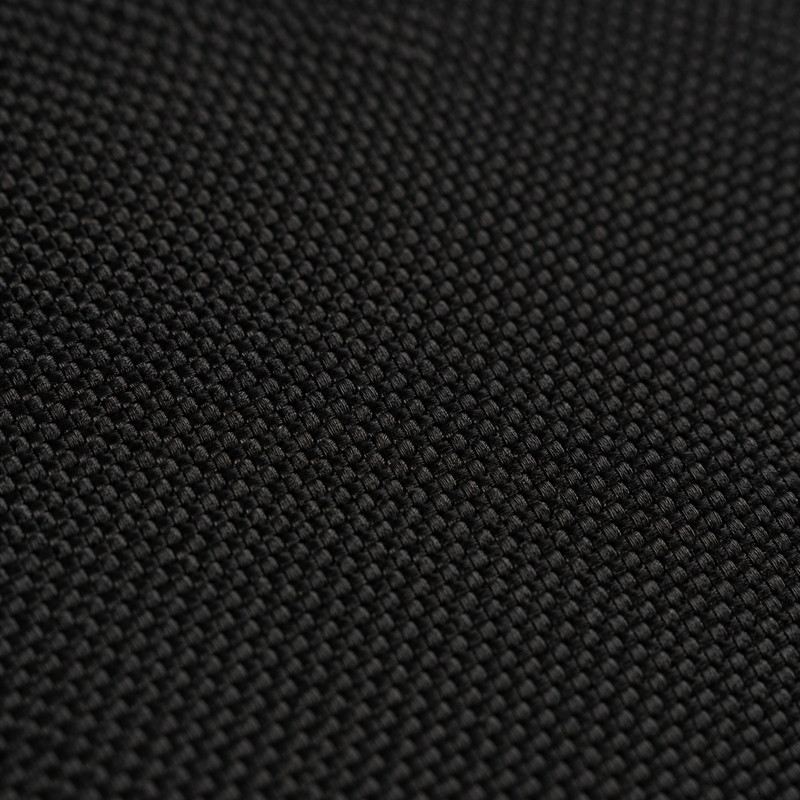
The Difavo Desk Mat is designed to replace the mouse pad, not sit beside it: a fine weave fabric top for smooth, precise mouse tracking, precision-stitched edges on all four sides, and a full natural rubber base that stays where you set it. At 900 × 400 mm it fits a full keyboard and a mouse with room to spare, and at 3 mm thin it slides under most monitor stands. Matte black, designed in Canada, with free shipping across Canada.
Frequently asked questions
Is a desk mat better than a mouse pad?
For an everyday work desk, usually yes: it covers the keyboard and the mouse, protects more of the desk, and gives both hands a comfortable surface. For a small desk, a keyboard tray, or working on the move, a mouse pad is the better fit.
Can a desk mat replace a mouse pad?
Yes. A desk mat with a smooth, even top does everything a mouse pad does, with more room for the mouse and space for the keyboard.
Is there a difference between a mouse pad and a mouse mat?
No. "Mouse mat" is the common term in British English and "mouse pad" in North American English. They describe the same product.
Do you need a mouse pad if you have a desk mat?
No. The desk mat is the mouse surface. Adding a mouse pad on top usually creates an edge rather than an improvement.
Does a desk mat work for gaming too?
Yes. What matters for any fast mouse movement is a consistent surface and enough room, and a fine weave desk mat gives you both.
Source for mouse placement: OSHA, Computer Workstations eTool: Pointer/Mouse.
Written by the Difavo design studio in Ontario, Canada.